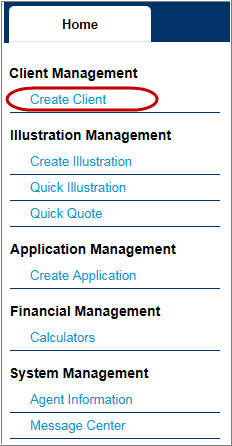
1. Click Create Client from the Left Navigation bar on the Home Page. Client Tab will appear.
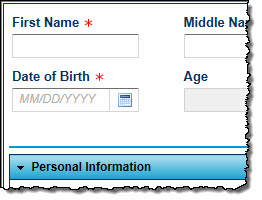
2. Fill in the Client Information.
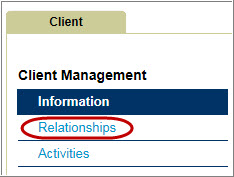
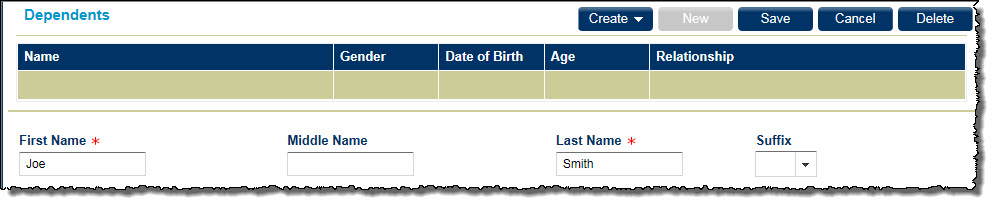
3. Click Relationship button under Client Management and then click New and fill in Dependent information. Click Save after Dependents are completed.
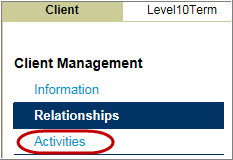
4. Click Activities under client Management and then click Create and select Illustration.


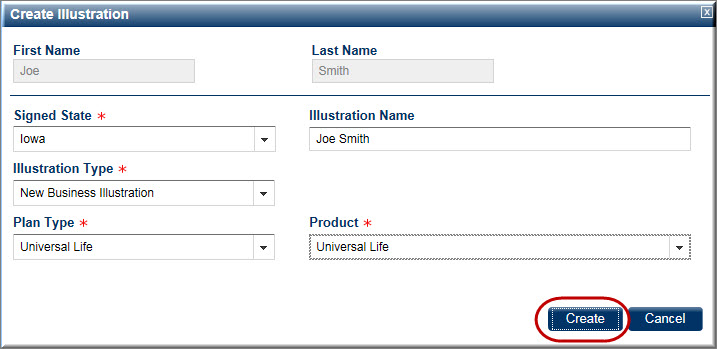
The Create Illustration popup appears.
5. Fill in the fields in the Create Illustration window and click Create and the Policy Details appear.
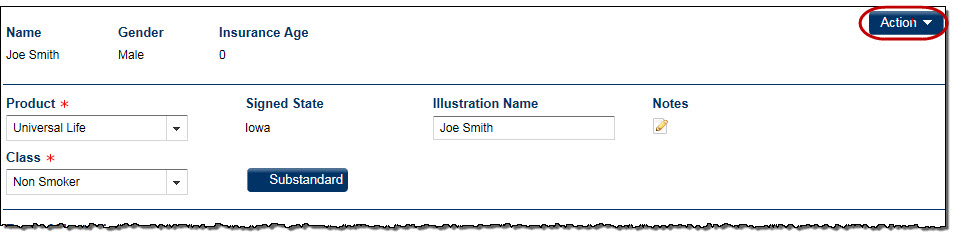
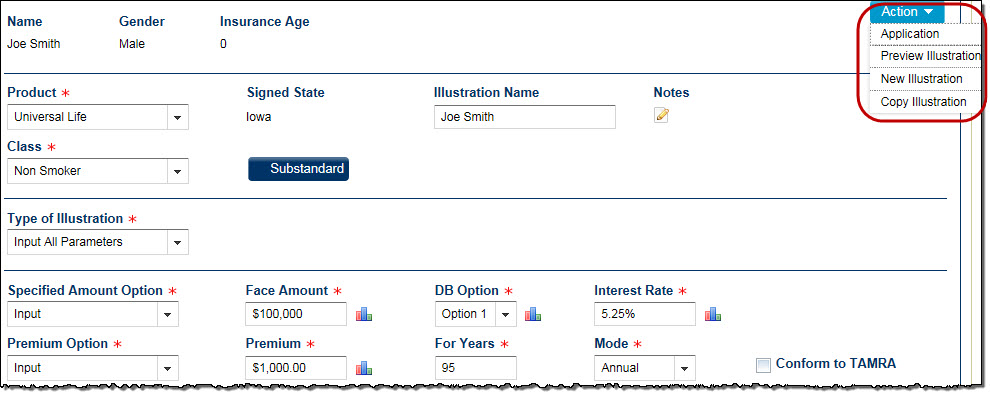
6. Click the Action button and select Preview Illustration. The illustration appears.